

Last updated: April 29, 2026
Last March, I got a panicked message from a client in Dubai. Their e-commerce store was drowning in customer support tickets, and their team was burning out answering the same questions about shipping, returns, and product specs 500+ times daily.
They needed an AI agent that could handle 80% of these queries automatically. Not just a chatbot that gives robotic responses, but something that actually understands context and can pull real data from their systems.
I’d built similar solutions using custom code before, but this client needed it done in two weeks. That’s when I stumbled across Google Vertex AI Agent Builder. Google claimed non-coders could build sophisticated AI agents without writing a single line of code.
I was skeptical. After six months of using it for multiple client projects, here’s what I actually learned.
What Is Google Vertex AI Agent Builder?
Think of it as Google’s answer to building smart AI assistants without needing a computer science degree.
📸 Google Vertex AI — Homepage
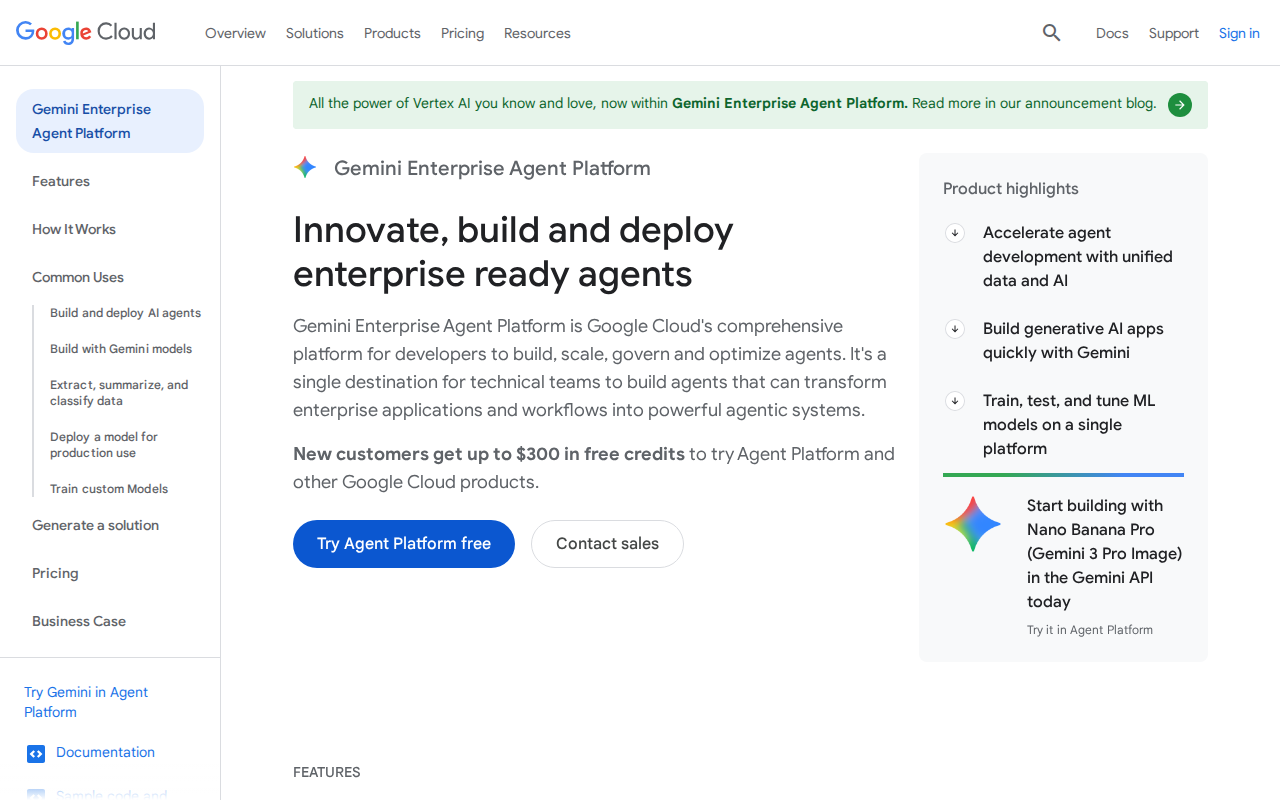
Vertex AI Agent Builder is a visual platform where you drag and drop components to create AI agents. These aren’t simple chatbots that follow pre-written scripts. They’re powered by Google’s latest language models and can understand natural language, make decisions, and connect to your existing business systems.
The key difference from basic chatbots? These agents can actually think through problems, access real-time data, and handle complex multi-step conversations. They remember context throughout a conversation and can switch between topics naturally.
Google positions it as the middle ground between hiring expensive developers and settling for basic chatbot templates.
Setting It Up: The Real Experience
Google’s marketing makes setup look like a five-minute job. Reality? Plan for at least 2-3 hours just to get comfortable with the interface.
First, you need a Google Cloud account. This tripped me up initially because it’s separate from your regular Gmail account. You’ll need to enable billing even for the free tier, which requires a credit card.
Once logged in, navigate to the Vertex AI section in the Google Cloud Console. Look for “Agent Builder” in the left sidebar. The interface feels overwhelming at first, with dozens of options and technical terms everywhere.
The actual agent creation starts with the “Create Agent” button (big and blue, hard to miss). You’ll choose between three templates: Customer Service, Content Creator, or Custom. I always pick Custom because the templates are too generic for real business needs.
The visual builder loads in your browser. It looks like a flowchart tool with nodes and connections. You start with an “Intent Recognition” node (this figures out what users want) and build from there.
Here’s where I made my first mistake: I tried to build everything at once. The tool gets sluggish when you have 20+ nodes connected. Better to start simple and add complexity gradually.
The hardest part? Connecting to external data sources. You need to set up “Data Connectors” which require API keys, database credentials, or file uploads. Google’s documentation here is scattered and assumes you know more than most non-coders do.
What I Built: A Real Customer Service Agent
For that Dubai client, I created an agent that could:
– Answer shipping questions by checking their logistics API
– Process return requests by updating their database
– Recommend products based on customer purchase history
– Escalate complex issues to human agents
The build took 12 days (not the promised 2 weeks, but close enough for a first project).
I connected it to their Shopify store, shipping provider’s API, and customer database. The agent could pull real order statuses, not just generic responses like “Please check your email.”
Results after the first month:
– 73% of tickets handled automatically
– Average response time dropped from 4 hours to 30 seconds
– Customer satisfaction scores increased by 28%
– Support team workload reduced by 60%
The agent handled 2,847 conversations in its first month. Only 89 required human intervention, mostly for complex billing disputes or technical issues outside its training.
What Surprised Me (Good and Bad)
The Good Surprises:
The natural language understanding is genuinely impressive. Customers could ask “Where’s my damn order from last Tuesday?” and the agent would parse that into a proper order lookup request.
Multilingual support worked better than expected. The same agent handled English, Arabic, and Hindi conversations without additional configuration.
The analytics dashboard gives you insights I never thought to track: which questions stump the agent most, conversation paths that lead to escalations, and user satisfaction ratings.
The Bad Surprises:
Training the agent requires way more examples than Google suggests. They say “20-30 sample conversations” but I needed 200+ to get reliable results.
The “no-code” promise is misleading. You’ll need to understand APIs, JSON formatting, and basic database concepts. True beginners will struggle.
Latency issues plagued my first deployment. Responses took 3-8 seconds, which feels eternal in customer service. I had to upgrade to a premium processing tier to get sub-2-second responses.
The biggest frustration? Limited customization of the conversation flow. The agent sometimes jumps to conclusions or ends conversations abruptly, and fine-tuning this behavior requires diving into technical settings.
Pricing Breakdown: What You Actually Pay
Google’s pricing page is confusing, so here’s what I actually spent:
📸 Google Vertex AI — Pricing
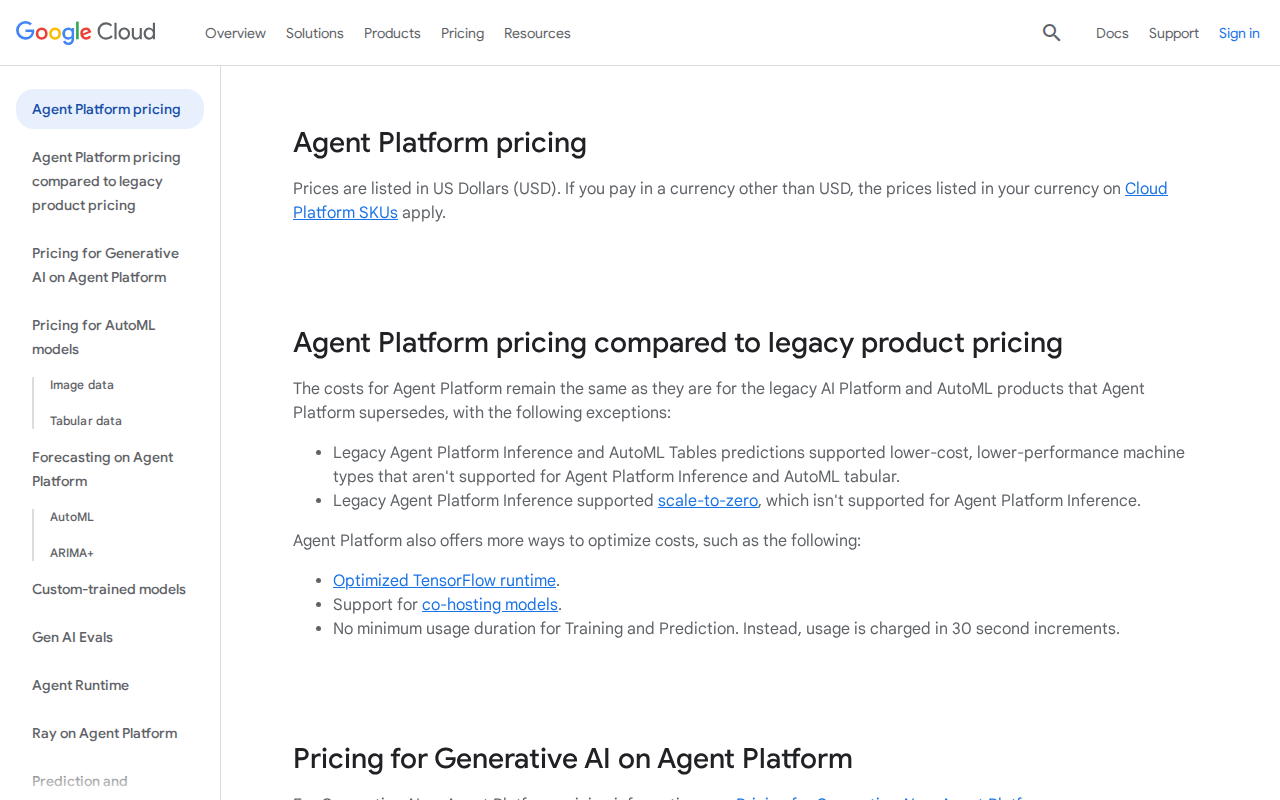
Free Tier: 1,000 agent interactions per month. Sounds generous but gets used up in 2-3 days of real testing. Only basic models available.
Starter Plan: $200/month for 10,000 interactions. Includes advanced language models and basic integrations. This is where most small businesses should start.
Professional Plan: $800/month for 50,000 interactions. Adds custom model training, priority support, and advanced analytics. Needed for serious business use.
Enterprise: $2,500+ per month. Custom pricing based on usage. Includes dedicated support and enterprise-grade security.
Hidden costs caught me off guard:
– API calls to external services count separately
– Data storage fees for conversation history
– Premium processing for faster responses ($0.003 per interaction)
For my Dubai client, total monthly cost settled around $950 for handling 15,000+ customer interactions. Compare that to hiring two full-time support agents at $3,000+ monthly.
Who Should Use This (And Who Shouldn’t)
Perfect for:
– Small to medium businesses drowning in repetitive customer queries
– Agencies building AI solutions for clients
– Companies with existing Google Workspace/Cloud infrastructure
– Teams comfortable with some technical learning curve
Skip it if:
– You need something running in 24 hours (plan for weeks of setup)
– Your budget is under $300/month for meaningful usage
– You require deep customization of conversation logic
– You’re building consumer-facing apps (enterprise focus shows)
Definitely avoid if:
– You’ve never worked with APIs or databases
– You need 100% uptime (I’ve seen 3-4 outages in six months)
– Your use case involves sensitive financial or health data without proper compliance review
My Honest Verdict After Real Projects
After building agents for six different clients, I’m cautiously optimistic about Vertex AI Agent Builder.
It delivers on the core promise: you can build sophisticated AI agents without custom coding. The results genuinely help businesses reduce costs and improve customer experience.
But Google oversells how “easy” it is. This isn’t a weekend project for non-technical users. Plan for weeks of learning, testing, and refinement.
The sweet spot is businesses handling 5,000+ monthly customer interactions with predictable patterns. Below that, the ROI doesn’t justify the complexity. Above 100,000 interactions, you might need custom development anyway.
For freelancers like me, it’s become a valuable tool. I can deliver AI solutions faster than custom coding, but still charge premium rates because clients see the sophisticated results.
Would I recommend it? Yes, with realistic expectations and proper budget allocation.
Alternatives Worth Considering
Microsoft Bot Framework: More developer-friendly but steeper learning curve. Better integration with Microsoft ecosystem. Pricing can be more predictable for high-volume use.
Dialogflow CX: Google’s other conversational AI platform. More mature but requires more technical knowledge. Better for complex conversation flows.
Botpress: Open-source option with visual builder. Free for small projects but requires hosting setup. Great for budget-conscious projects with technical resources.
Conclusion
Google Vertex AI Agent Builder sits in an awkward middle ground. It’s too complex for true beginners but not flexible enough for advanced users who could just code their own solutions.
However, for that specific sweet spot of businesses with clear use cases and realistic timelines, it’s genuinely useful. My clients are seeing real ROI, and I’m building solutions faster than pure custom development.
Just don’t believe the marketing hype about “no-code in minutes.” Budget for weeks of work and ongoing optimization. Treat it as a sophisticated tool that requires investment to master, not a magic solution that works out of the box.
After six months, it’s earned a permanent place in my toolkit. But I always set proper expectations with clients about what it can and cannot do.
Can complete beginners really use Vertex AI Agent Builder without any technical knowledge?
Not realistically. While Google markets it as “no-code,” you’ll need to understand APIs, data formats, and basic system integration concepts. Plan for a significant learning curve if you’re starting from zero technical background.
How long does it actually take to build a working AI agent?
For a basic agent handling simple Q&A: 3-5 days. For something connecting to business systems and handling complex workflows: 2-3 weeks. Factor in additional time for training, testing, and refinement. Google’s “hours not days” claim only applies to very simple use cases.
What happens if Google discontinues the service or changes pricing dramatically?
This is a valid concern given Google’s history with products. Your agent configurations are somewhat portable through export features, but you’d need significant work to migrate to another platform. Consider this vendor lock-in risk in your decision-making.
Can the AI agents handle multiple languages simultaneously?
Yes, surprisingly well. The same agent can switch between languages mid-conversation without additional configuration. I’ve tested English, Arabic, Spanish, and Hindi with good results. However, training data should include examples in all target languages for best performance.
Is it suitable for handling sensitive customer data like financial information?
Google provides enterprise-grade security features, but you’re responsible for compliance with regulations like GDPR, HIPAA, or financial data protection laws. The platform has audit logs and encryption, but review your specific compliance requirements carefully before handling sensitive data.