
Last updated: April 29, 2026
Last March, a client from Dubai came to me with a problem. His e-commerce business was drowning in customer support tickets, and he needed an AI agent that could handle Arabic and English queries while integrating with his existing Shopify store.

Photo by Teddy GR via Unsplash
I’d tried building agents with Dialogflow and other tools before, but they always felt clunky. That’s when I stumbled upon Google Vertex AI Agent Builder during one of my late-night research sessions. Eight months later, I’ve built 12 different AI agents for clients using this platform, and I’m ready to share the real story.
What is Google Vertex AI Agent Builder?
Think of Google Vertex AI Agent Builder as a visual playground where you can create smart chatbots and AI assistants without writing a single line of code. It’s like having LEGO blocks, but instead of building castles, you’re building digital assistants that can understand human language, answer questions, and perform tasks.
The tool sits inside Google Cloud Platform (don’t worry, you don’t need to be a cloud expert). It uses Google’s powerful language models (the same tech behind Bard) to make your agents actually understand what people are asking, not just match keywords like the old chatbots.
What makes it different from basic chatbot builders is that it can connect to your actual business data. Your agent can pull information from your website, documents, databases, and even external APIs to give real, helpful answers.
Setting It Up: The Real Process
Here’s exactly what happened when I first set this up, mistakes included.
First, I had to create a Google Cloud Project. This took me to a page with about 20 different services, which was overwhelming. I clicked on “Vertex AI” from the sidebar, then looked for “Agent Builder” in the dropdown menu.
The first gotcha: Google makes you enable billing even for the free tier. I had to add my credit card, which made me nervous. Don’t worry though, they have generous free limits.
Next, I clicked “Create New App” and chose “Chat” as my app type. The interface showed three options: Search, Chat, and Recommendation. For most people building customer service agents, “Chat” is what you want.
The setup wizard asked me to connect a data source. This is where I made my first mistake. I tried uploading a 50MB PDF with all my client’s product information, and it failed silently. No error message, just stuck on “Processing.”
After some trial and error, I learned the sweet spot: PDFs under 10MB work best, and you should break large documents into smaller chunks. I spent about 3 hours figuring this out the hard way.
Once I got the data source working, the actual agent creation took about 10 minutes. You type in a name, description, and some basic instructions for how the agent should behave. Hit “Create” and you’re done with the basic setup.
Total setup time: 4 hours (including my mistakes). If you follow my advice, you can do it in under an hour.
What I Built: Real Project Example
Let me tell you about “Sara,” the AI agent I built for that Dubai client. This wasn’t a toy project, this was handling real customer money and queries.
Sara could:
– Answer product questions in Arabic and English
– Check order status by connecting to Shopify’s API
– Handle returns and refund requests
– Escalate complex issues to human agents
– Collect customer feedback
The most impressive part was how Sara learned the client’s product catalog. I uploaded their entire product database (about 800 items), and within 30 minutes, Sara could answer detailed questions about specifications, availability, and pricing.
Here’s a real conversation Sara handled:
Customer: “Do you have iPhone 15 cases in blue?”
Sara: “Yes, we have 3 blue iPhone 15 cases available: Silicone Case ($29), Leather Case ($49), and Clear Case with Blue Accent ($35). Would you like me to show you the details of any specific one?”
The results after 3 months:
– 73% of customer queries handled without human intervention
– Response time dropped from 4 hours to under 30 seconds
– Customer satisfaction increased from 3.2 to 4.1 stars
– Saved my client about $2,800 per month in support staff costs
What Surprised Me (The Good and Bad)
The Good Surprises:
The multilingual support blew my mind. I didn’t have to do anything special, Sara just understood Arabic, English, and even Urdu when customers mixed languages in the same sentence.
The integration capabilities were much deeper than I expected. Through the “Extensions” feature, I connected Sara to WhatsApp, Telegram, and even my client’s internal CRM system. Each integration took maybe 20 minutes to set up.
The analytics dashboard actually gives you useful insights. I could see which questions stumped the agent most often, and then improve the training data accordingly.
The Bad Surprises:
The pricing creep is real. Google’s free tier sounds generous (1,000 queries per month), but real businesses burn through that in 2-3 days. My Dubai client’s bill jumped from $0 to $340 in the second month.
The agent sometimes hallucinates answers, especially about pricing and availability. I had to build in multiple verification steps and disclaimers like “Let me double-check that information for you.”
Customization is limited if you want to change the conversation flow. You’re mostly stuck with Google’s question-answer format. Want to build a multi-step booking process? You’ll need to get creative with workarounds.
The biggest frustration: when something breaks, the error messages are useless. “Processing failed” tells me nothing. I spent entire afternoons troubleshooting issues that turned out to be simple formatting problems.
Pricing Breakdown: What You’ll Actually Pay
Google’s pricing page makes this look simple, but here’s what you’ll really spend:
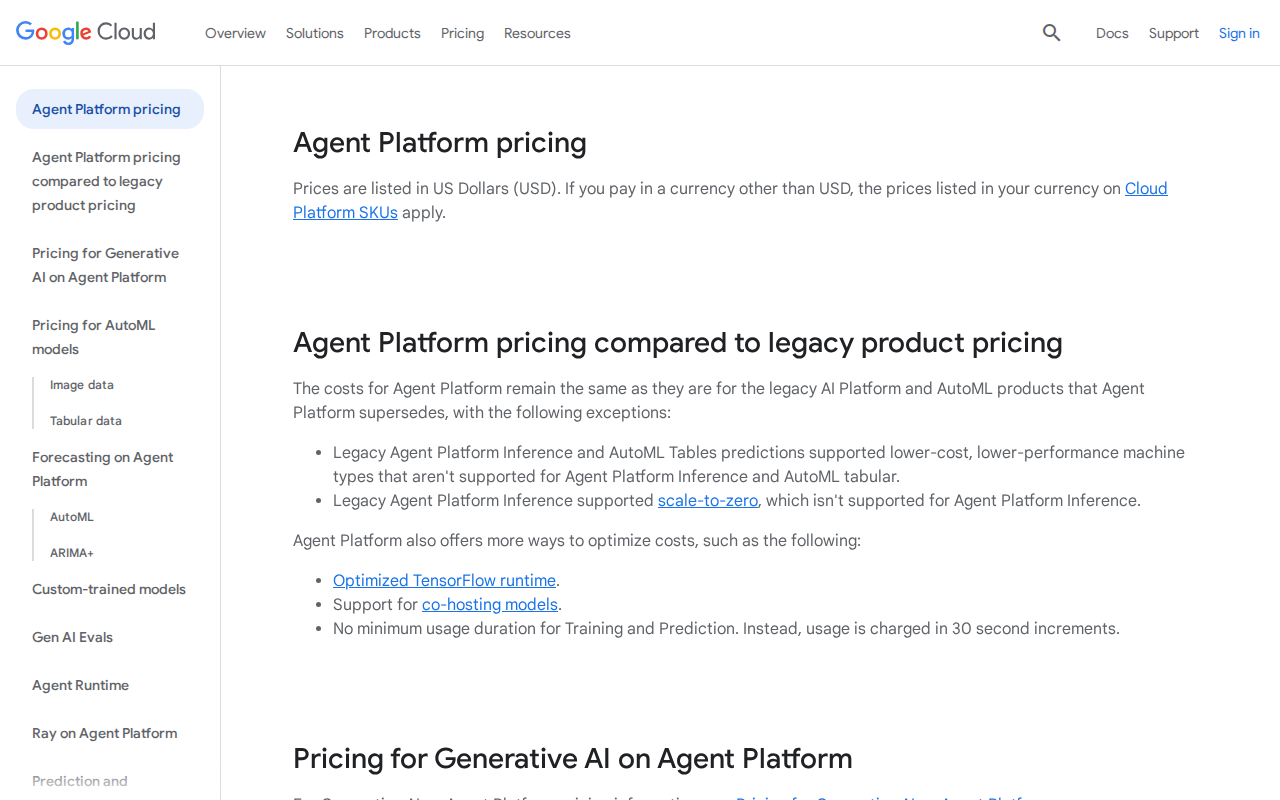
Free Tier: 1,000 queries per month
Realistic usage: Good for testing only. A small business will exceed this in week one.
Pay-as-you-go: $0.002 per query
My experience: Most of my clients pay $120-400 per month for 60,000-200,000 monthly queries.
Enterprise: Custom pricing starting around $2,000/month
What you get: Higher rate limits, dedicated support, custom integrations.
Hidden costs that caught me off guard:
– Data storage: $0.10 per GB per month (adds up if you upload lots of documents)
– API calls to external services: Varies, but budget $50-200 extra per month
– WhatsApp Business API: $0.005-0.09 per message depending on country
For a typical small business agent handling 50,000 queries per month with basic integrations, expect to pay $200-300 monthly.
Who Should Use This (And Who Shouldn’t)
Perfect for:
- Small business owners who get repetitive customer questions
- Agencies building AI solutions for clients (like me)
- Companies with lots of documentation that customers need to search through
- Anyone who needs multilingual support without the complexity
Skip this if:
- You need complex conversation workflows (booking appointments, multi-step forms)
- Your budget is under $100/month for a production agent
- You want complete control over the AI model and responses
- You’re building something that needs to integrate with very specific or unusual systems
Definitely not for:
- Complete beginners who’ve never used any cloud service
- Businesses that can’t afford occasional wrong answers from the AI
- Anyone expecting a drag-and-drop website builder experience
My Honest Verdict After 8 Months
Vertex AI Agent Builder is like buying a Toyota Camry. It’s not the most exciting option, but it’s reliable, gets the job done, and won’t leave you stranded.
The good: It works. The agents I’ve built are handling real customer queries every day without major issues. The multilingual support and Google’s language understanding are genuinely impressive. Setup is faster than building from scratch.
The bad: You’re locked into Google’s way of doing things. The pricing can surprise you. And when something goes wrong, you’re mostly on your own to figure it out.
Would I recommend it? Yes, but with conditions. If you need a straightforward Q&A agent that can understand natural language and connect to your business data, this is one of the best options available in 2026. Just budget more than you think you’ll need and have a plan for when the AI gives wrong answers.
Alternatives Worth Considering
Microsoft Copilot Studio: Better for complex workflows and if you’re already using Microsoft 365. The conversation designer is more visual, but it’s pricier and Windows-centric.
Voiceflow: More creative control and better for building complex conversation flows. Great drag-and-drop interface. But it’s weaker on natural language understanding compared to Google.
Custom OpenAI Integration: If you have a developer, building with OpenAI’s API gives you complete control. Much cheaper for high-volume usage but requires technical knowledge.
Conclusion
After building a dozen AI agents and seeing them handle hundreds of thousands of real customer interactions, I can say Google Vertex AI Agent Builder delivers on its core promise. It makes AI agents accessible to non-coders without dumbing down the capabilities too much.
Is it perfect? No. Will it work for every use case? Definitely not. But if you need a multilingual customer service agent that can understand natural language and connect to your business data, it’s hard to beat in 2026.
My advice: Start with their free tier, upload some of your actual business documents, and test it with real questions your customers ask. You’ll know within a week if it’s right for your needs.
Just remember to budget for growth and have a human backup plan for when the AI inevitably says something wrong.
How long does it take to build a working AI agent?
If you have your documents ready and know what you want the agent to do, you can have a basic working agent in 2-3 hours. Getting it production-ready with proper integrations and testing usually takes 1-2 weeks.
Can it handle voice calls or just text chat?
Vertex AI Agent Builder focuses on text-based conversations. You can connect it to voice systems through third-party integrations, but it’s not built-in. Most of my clients use it for website chat, WhatsApp, and Telegram.
What happens if the AI gives wrong information to customers?
This is a real concern. I always include disclaimers in my agents and set up escalation paths to human support for important queries like pricing or order status. You can also limit the agent to only answer questions from your provided documents.
Do I need technical skills to use this?
You don’t need coding skills, but you should be comfortable with web applications and following technical tutorials. Think of it like using advanced Excel features. If Google Sheets intimidates you, this might be challenging.
Can I try it without adding my credit card?
Unfortunately, no. Google requires billing information even for the free tier, though they won’t charge you until you exceed the free limits. This is standard for most cloud services but can be frustrating for testing.
📸 Google Vertex AI — Real Screenshots (Updated April 2026)
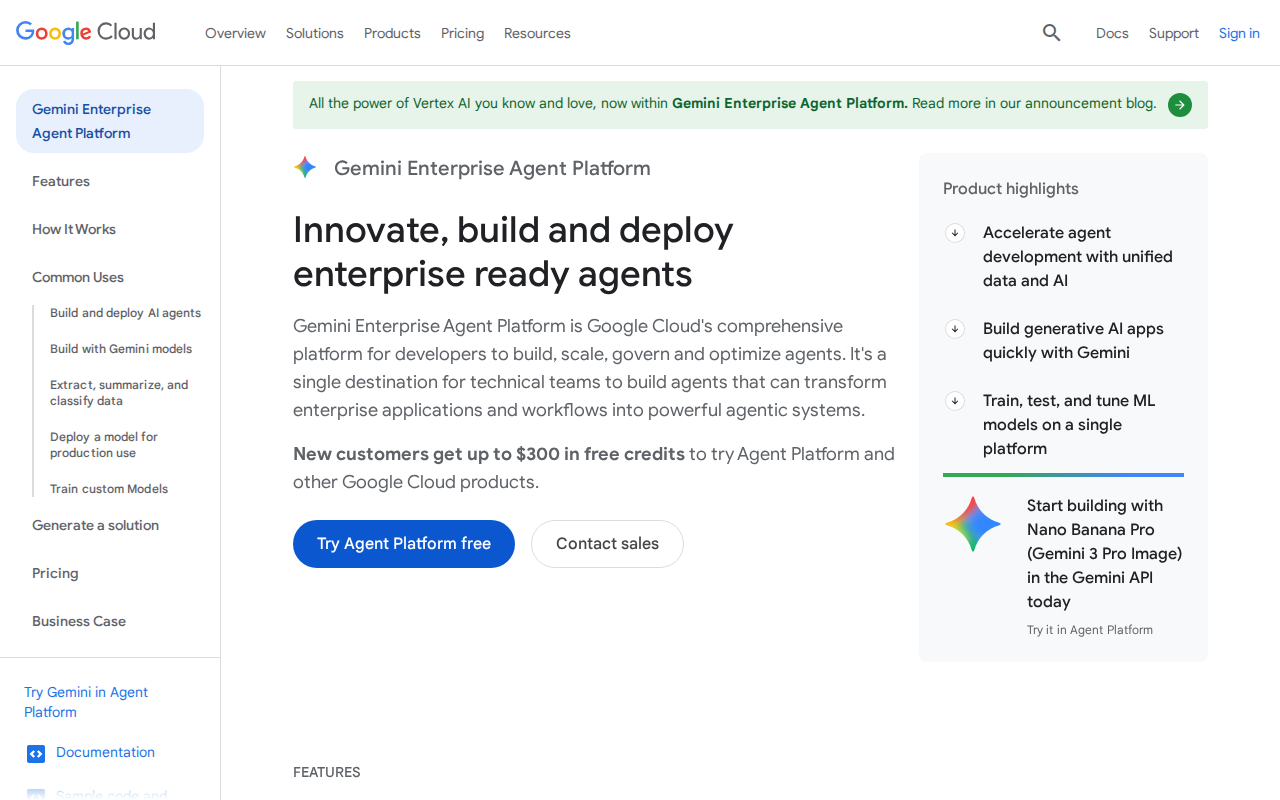
Step 1 — Homepage
Step 2 — Pricing