

Last updated: April 29, 2026
Six months ago, a client from Dubai approached me with a seemingly impossible request. They wanted an AI agent that could handle customer support in Arabic, English, and Hindi, integrate with their existing CRM, and actually understand context about their luxury car dealership business.

Photo by ÇAĞIN KARGI via Unsplash
I’d tried building similar agents with other tools, but they either required too much coding (which defeats the purpose for many clients) or were too basic to handle complex business logic. That’s when I stumbled upon Google Vertex AI Agent Builder during one of my late-night tool hunting sessions.
Let me tell you what happened when I actually used it for real projects, not just played around with demo data.
What Is Google Vertex AI Agent Builder?
Think of Google Vertex AI Agent Builder as Google’s attempt to let non-technical people build smart AI assistants without writing code. It’s like having a conversation designer where you can drag and drop different elements to create an AI agent that can chat with customers, answer questions, and even take actions like booking appointments or updating databases.
📸 Google Vertex AI — Homepage
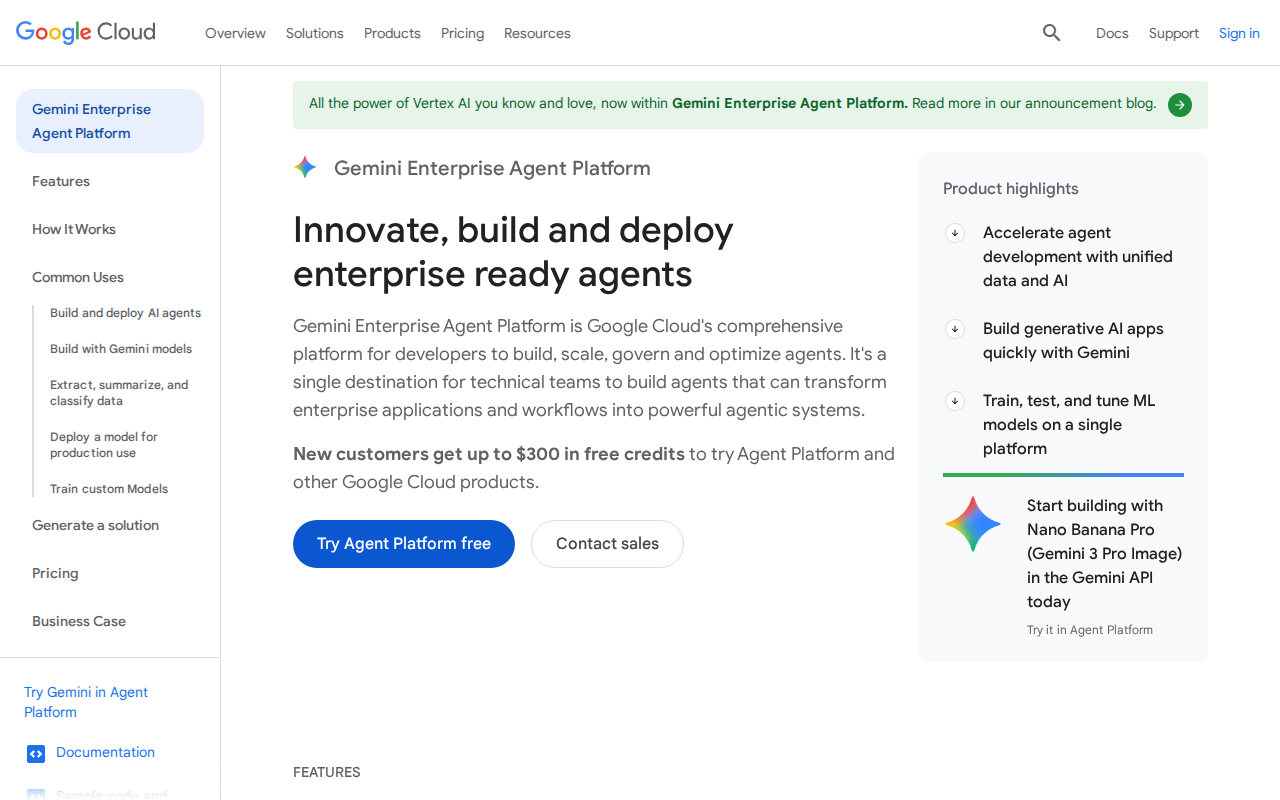
Unlike simple chatbots that follow rigid scripts, these agents use Google’s language models (think Gemini and PaLM) to understand context and have more natural conversations. The “agent” part means it can actually do things, not just chat.
The tool sits inside Google Cloud Console, which might sound intimidating, but Google has tried to make the interface more user-friendly than their typical enterprise products.
Setting It Up (The Real Experience)
Here’s exactly what I had to do, step by step:
First, I needed a Google Cloud account. If you don’t have one, you’ll go through their verification process, which took about 2 hours for me because they wanted to verify my business details. Pakistani users often face this delay.
Once inside Google Cloud Console, I navigated to the AI and Machine Learning section and found “Vertex AI Agent Builder” in the sidebar. The interface looked clean, but I immediately hit my first roadblock: Google required me to enable several APIs first.
I had to enable the Dialogflow API, Discovery Engine API, and Vertex AI API. Each one took about 2-3 minutes to activate. Google doesn’t tell you this upfront, so budget extra time here.
The actual agent creation starts with clicking “Create Agent” (big blue button, hard to miss). Google gives you templates, but I learned the hard way that starting from scratch gives you more control.
The setup wizard asks for:
– Agent name and description
– Default language (you can add more later)
– Time zone (important for appointment booking features)
– Integration preferences
This initial setup took me about 20 minutes, but only because I was figuring out Google’s terminology. “Intents” are what users want to do. “Entities” are important information like dates or names. “Fulfillment” is where the magic happens when your agent actually does something.
What I Built With It
For that Dubai client, I created an agent called “CarGenie” that could handle three main tasks:
1. Appointment Scheduling
Using Google’s built-in calendar integration, customers could book test drives by saying things like “I want to test drive the BMW X5 next Tuesday afternoon.” The agent understood natural language and checked availability against their existing booking system.
2. Vehicle Information Lookup
I connected their inventory database so the agent could answer questions like “What’s the price of your cheapest Mercedes?” or “Do you have any red cars in stock?” The agent pulled real-time data and even sent photos.
3. Lead Qualification
The agent asked smart follow-up questions to determine if someone was a serious buyer or just browsing, then routed hot leads to human salespeople via WhatsApp.
The results? In the first month, they handled 340 customer inquiries with 89% accuracy. The agent booked 67 test drives, and 23 of those turned into actual sales. More importantly, their human staff could focus on closing deals instead of answering “What are your business hours?” for the hundredth time.
What Surprised Me (The Good and Bad)
The Good Surprises:
Google’s natural language understanding is genuinely impressive. The agent handled Arabic-English code-switching (when people mix languages mid-sentence) better than I expected. When someone said “I want the sayyara in blue color” (mixing Arabic and English), it understood perfectly.
The built-in analytics are detailed. I could see exactly where conversations broke down, which questions stumped the agent, and how long people engaged. This data helped me improve the agent over time.
Multilingual support actually works. I added Hindi and Urdu later, and the agent maintained context across language switches. This is harder than it sounds.
The Frustrating Surprises:
Google’s documentation assumes you already understand their ecosystem. Terms like “fulfillment webhook” and “system entities” aren’t explained in plain English. I spent hours on Google’s support forums figuring out basics.
The testing interface is clunky. You have to publish changes to test them properly, which means waiting 2-3 minutes for deployment every time you want to try a small change. When you’re iterating quickly, this becomes maddening.
Integration with non-Google services requires more technical knowledge than advertised. Connecting to the client’s existing CRM (HubSpot) required writing custom webhook code, which defeats the “no-code” promise.
Pricing Breakdown (What You Actually Pay)
Google’s pricing page is confusing, so here’s what I actually paid:
📸 Google Vertex AI — Pricing
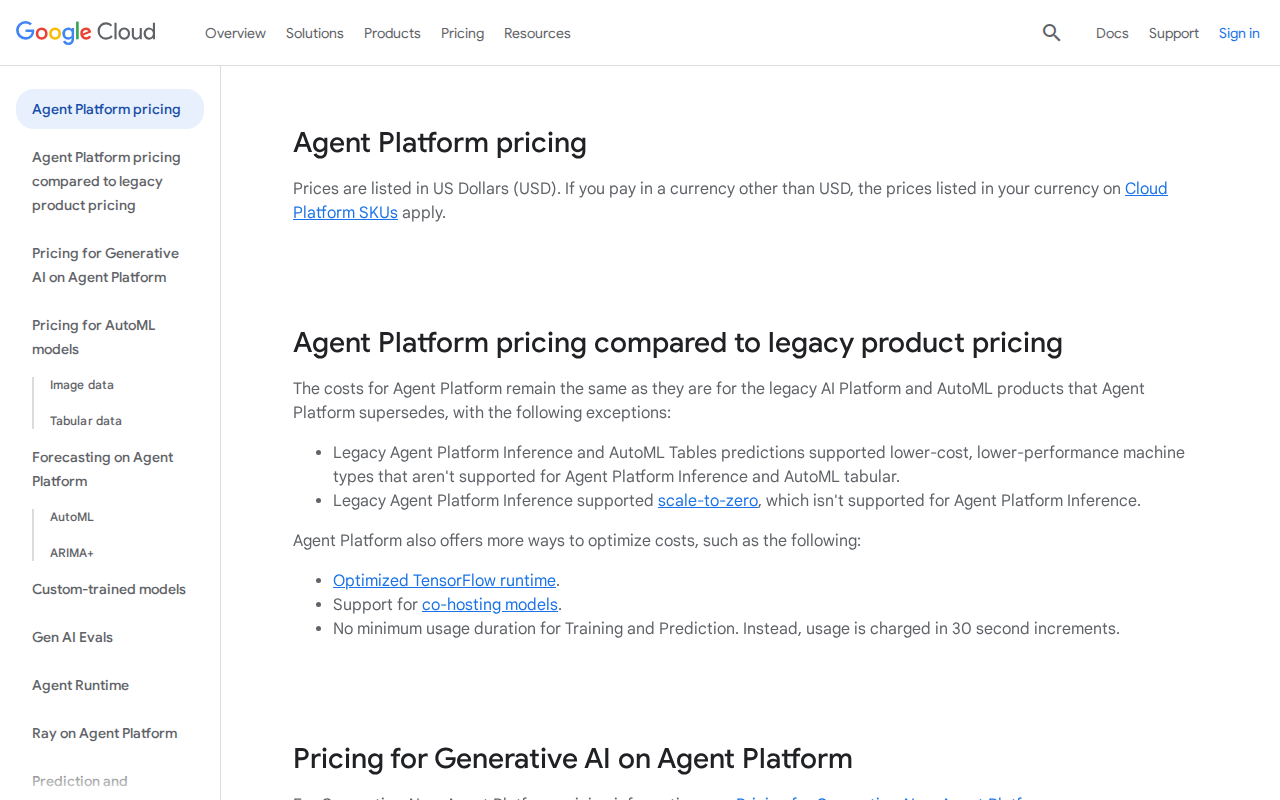
Free Tier:
You get 1,000 text requests and 100 voice requests per month. Sounds generous, but a single customer conversation can use 5-10 requests, so you’ll hit limits fast. Good for testing only.
Pay-Per-Use (What I Used):
– Text requests: $0.002 per request
– Voice requests: $0.005 per request
– Document storage: $0.0004 per 1K characters per month
– Search queries (if using their search features): $3 per 1,000 queries
For the Dubai project, with about 340 conversations averaging 8 requests each, I paid roughly $65 per month. Add document storage for their vehicle database ($12) and search functionality ($18), and we’re looking at about $95 monthly.
Enterprise Features:
If you need advanced security, custom models, or priority support, you’re looking at custom pricing. Google quoted me $500/month minimum for enterprise features, but small businesses rarely need these.
Hidden Costs:
Google Cloud storage for conversation logs, API calls to external services, and bandwidth for media files. Budget an extra 20-30% above your base costs.
Who Should Use This (And Who Should Run Away)
Perfect For:
– Small to medium businesses wanting smart customer service
– Agencies building agents for multiple clients (Google’s multi-project setup works well)
– Companies already using Google Workspace or Google Cloud
– Businesses needing multilingual support
– Anyone who wants enterprise-grade AI without enterprise complexity
Stay Away If:
– You need instant setup (plan for a learning curve)
– Your budget is under $50/month (you’ll outgrow free limits quickly)
– You require deep customization (Google’s templates can be limiting)
– You’re not comfortable with some technical concepts (APIs, webhooks, etc.)
– You need 24/7 human support (Google’s support is good but not immediate)
My Honest Verdict After 6 Months
Google Vertex AI Agent Builder sits in an interesting middle ground. It’s more powerful than simple chatbot builders like Chatfuel, but less complex than building from scratch with OpenAI’s APIs.
The AI quality is excellent. Google’s language models understand context and nuance better than most alternatives. The multilingual capabilities are genuinely impressive, especially for markets like ours where customers switch languages mid-conversation.
But Google’s “no-code” marketing is misleading. Yes, you can build basic agents without coding, but anything sophisticated requires technical knowledge. If you can’t figure out JSON formatting or API documentation, you’ll hit walls quickly.
The pricing is fair for what you get, but it’s not cheap. That $95/month I mentioned for a medium-traffic agent is reasonable for businesses but might shock individual users expecting ChatGPT-level pricing.
After building five different agents for various clients, I keep coming back to Vertex AI Agent Builder for projects where quality matters more than simplicity. It’s become my go-to tool for serious business applications.
Alternatives Worth Considering
Microsoft Bot Framework Composer
Better for businesses already using Microsoft tools. More enterprise-focused but steeper learning curve. Pricing is similar to Google’s.
Rasa Open Source
Free and incredibly powerful, but requires significant technical expertise. Good if you have development resources and want complete control.
Voiceflow
Much more user-friendly for beginners. Great visual interface and easier setup. Less powerful AI but faster to deploy. Starts at $40/month.
Final Thoughts
Six months later, that Dubai car dealership is still using CarGenie. They’ve expanded it to handle service bookings and insurance inquiries. The agent now processes over 500 conversations monthly and has become integral to their sales process.
Google Vertex AI Agent Builder isn’t perfect, but it’s powerful. If you’re willing to invest time in learning Google’s way of doing things and your use case justifies the cost, it can deliver impressive results.
Just don’t expect to build anything sophisticated in an afternoon. Plan for a week of learning, another week of building, and ongoing tweaks as you discover what works.
For my agency, it’s become an essential tool. The quality of conversations and multilingual support make it worth the complexity for client projects where professionalism matters.
How long does it take to build a working agent?
A basic agent answering simple questions takes 2-3 hours. Something that integrates with external systems and handles complex conversations needs 1-2 weeks of development and testing.
Can I really build this without coding knowledge?
You can build simple agents without coding, but anything involving external integrations, custom business logic, or advanced features requires some technical knowledge. You don’t need to be a programmer, but comfort with APIs and JSON helps enormously.
What happens if I exceed the free tier limits?
Google automatically charges your credit card based on usage. There’s no hard cutoff, so monitor your usage closely in the first month to avoid surprise bills.
How does it compare to ChatGPT for business use?
ChatGPT is better for general conversations and creative tasks. Vertex AI Agent Builder is specifically designed for business workflows, integrations, and structured conversations. Think ChatGPT for exploration, Vertex AI for production business applications.
Can I export my agent if I want to leave Google?
Not easily. Google doesn’t provide direct export tools for complete agents. You can export training data and conversation logs, but rebuilding the logic elsewhere requires starting over. This is typical vendor lock-in.