
Last updated: April 29, 2026
Last December, a client from Dubai came to me with a problem. His e-commerce business was drowning in customer support tickets during the holiday season. He needed an AI agent that could handle Arabic and English queries, process returns, and escalate complex issues to humans.
Photo by Zulfugar Karimov via Unsplash
I’d built agents with other platforms before, but this client specifically asked for something on Google Cloud because his entire business was already there. That’s when I discovered Google Vertex AI Agent Builder.
Three months and six client projects later, I’m ready to share what this tool actually delivers and where it falls short.
What is Google Vertex AI Agent Builder?
Think of Google Vertex AI Agent Builder as a construction kit for building AI assistants, but instead of LEGO blocks, you’re working with conversation flows, knowledge bases, and integrations.
It’s Google’s answer to tools like Voiceflow and Microsoft Bot Framework. The big difference? It’s deeply integrated with Google’s ecosystem, which can be either your best friend or your worst nightmare, depending on your situation.
The tool lets you create AI agents without writing code. You drag and drop conversation elements, connect them to your data sources, and deploy them across websites, phone systems, or messaging apps.
But here’s what Google doesn’t tell you upfront: “no-code” doesn’t mean “no complexity.”
Setting It Up: The Real Process
Google makes the signup look simple in their marketing videos. The reality is messier.
First, you need a Google Cloud account with billing enabled. This took me 20 minutes because I had to verify my Pakistani bank card, which Google’s system initially rejected. I ended up using a Wise card instead.
Next, you navigate to the Vertex AI section in Google Cloud Console. Look for “Agent Builder” in the left sidebar. If you don’t see it, you might need to enable the API first (this isn’t mentioned in their quick start guide).
Click “Create Agent” and you’ll see three options: “Chat Agent,” “Search Agent,” and “Recommendation Agent.” For most client projects, you’ll want Chat Agent.
The setup wizard asks for your agent’s name, default language, and region. Here’s my first gotcha: choose your region carefully. I initially selected us-central1 for better performance, but later realized some features weren’t available there. I had to recreate the entire agent in us-east1.
Total setup time from zero to having an empty agent: 45 minutes. Google claims 5 minutes, but that assumes everything goes perfectly.
What I Built: Real Project Results
Let me walk you through that Dubai e-commerce project because the results were surprisingly good.
The client needed an agent that could:
– Handle product questions in Arabic and English
– Process return requests
– Check order status
– Escalate to human agents when needed
I started by uploading their product catalog (2,000 items) and FAQ documents to the knowledge base. The upload process was smooth, but indexing took 3 hours. Google’s documentation said “a few minutes,” which was misleading for larger datasets.
Building the conversation flows was intuitive. You create “intents” (what customers might want) and “fulfillments” (how the agent responds). The visual flow builder reminded me of Zapier’s interface.
For the return process, I connected the agent to their existing REST API. This required some JSON configuration, but the documentation was clear enough for a non-coder to follow.
The multilingual support impressed me. The agent automatically detected Arabic queries and responded appropriately. I didn’t need separate language models or complex routing.
After two weeks of testing and refinement, we launched. Results after the first month:
– 73% of customer queries resolved without human intervention
– Average response time: 2.3 seconds
– Customer satisfaction score: 4.2/5
– Monthly cost: $340 (more on pricing below)
The client was happy, and so was I.
What Surprised Me (Good and Bad)
The Good Surprises
Integration with Google Services: If your client uses Gmail, Google Drive, or Google Sheets, connecting data sources is incredibly smooth. I built an agent for a small law firm that pulled information directly from their Google Drive documents. Setup took 10 minutes.
Natural Language Understanding: Google’s NLU is genuinely impressive. Customers could ask “Where’s my order?” or “Track my package” or “When will it arrive?” and the agent understood they all meant the same thing.
Automatic Scaling: During Black Friday, that e-commerce agent handled 10x normal traffic without any configuration changes. Google’s infrastructure just absorbed the load.
The Bad Surprises
Limited Customization: The interface looks clean, but you can’t customize much. Want to change the chat bubble color? Too bad. Need a specific font? Nope. This frustrated several clients who had strict brand guidelines.
Debugging is Painful: When something goes wrong, finding the cause is like detective work. The logs are buried in Google Cloud’s monitoring section, and error messages are often cryptic. I spent 4 hours troubleshooting why an agent wasn’t responding to certain queries, only to discover a single typo in a parameter name.
Export Limitations: You can’t easily export your agent to another platform. This creates vendor lock-in that makes some clients uncomfortable.
Phone Integration Costs: Adding voice capabilities through Google’s telephony partner costs extra. A lot extra. We’re talking $0.02-0.06 per minute, which adds up quickly for high-volume use cases.
Pricing Breakdown: What You Actually Pay
Google’s pricing page is confusing, so let me break down real costs.
Basic Usage (up to 1,000 conversations per month):
– Agent Builder: Free
– Hosting: ~$20/month
– API calls: ~$15-30/month
– Total: ~$35-50/month
Business Usage (5,000-10,000 conversations per month):
– Agent Builder: Free (still)
– Hosting: ~$80/month
– API calls: ~$150-300/month
– Knowledge base processing: ~$50/month
– Total: ~$280-430/month
Enterprise Usage (50,000+ conversations per month):
– Everything scales up
– Expect $1,500-3,000/month
– Plus additional costs for advanced features
Hidden Costs:
– Data storage: $0.02/GB/month (small but adds up)
– Monitoring and logging: $10-50/month depending on usage
– Third-party integrations: Variable, often $50-200/month
The pricing is competitive with enterprise alternatives but expensive compared to simpler chatbot builders.
Who Should Use This (and Who Should NOT)
Perfect For:
Google Workspace Users: If your client already lives in Google’s ecosystem, this is a no-brainer. The integrations are seamless, and they’re already paying for the infrastructure.
Medium-to-Large Businesses: Companies handling 5,000+ customer interactions per month will appreciate the robust infrastructure and advanced NLU capabilities.
Developers Who Want AI Without ML Expertise: You don’t need to understand machine learning, but you should be comfortable with APIs, JSON, and cloud computing concepts.
Stay Away If:
You’re Building Simple Chatbots: If you just need basic Q&A functionality, tools like Chatfuel or ManyChat are easier and cheaper.
Budget is Tight: The costs add up quickly. A simple agent can easily cost $200+/month once you factor in all the services.
You Need Heavy Customization: The interface and functionality are pretty locked down. If your client has unique requirements, you’ll hit walls quickly.
You’re Not Technical: Despite being “no-code,” you’ll need to understand APIs, webhooks, and JSON. If terms like “REST endpoint” confuse you, choose something simpler.
My Honest Verdict After Real Projects
After three months and six client projects, Google Vertex AI Agent Builder is a solid B+ tool.
It excels at what Google does best: natural language processing, scalability, and integration with their ecosystem. The agents I’ve built handle complex conversations better than most alternatives.
But it’s not the game-changer Google’s marketing suggests. The learning curve is steeper than advertised, costs can spiral quickly, and customization options are limited.
I’ll continue using it for clients who fit the profile: Google users, medium-to-large businesses, and those who prioritize functionality over customization.
For everyone else, there are better options.
Alternatives Worth Considering
Microsoft Bot Framework: More customizable but requires more technical knowledge. Better if your clients use Microsoft 365. Pricing is similar but more predictable.
Voiceflow: Much easier to use with better design tools. Perfect for non-technical users. Less powerful NLU but sufficient for most use cases. Starts at $40/month.
Rasa: Open-source option that gives you complete control. Requires significant technical expertise but no vendor lock-in. Hosting costs vary but typically $100-500/month.
The Bottom Line
Google Vertex AI Agent Builder is a powerful tool that delivers on its core promises. It builds intelligent agents that can handle complex conversations and scale automatically.
But “no-code” doesn’t mean “easy,” and “free” doesn’t mean “cheap” once you factor in all the associated costs.
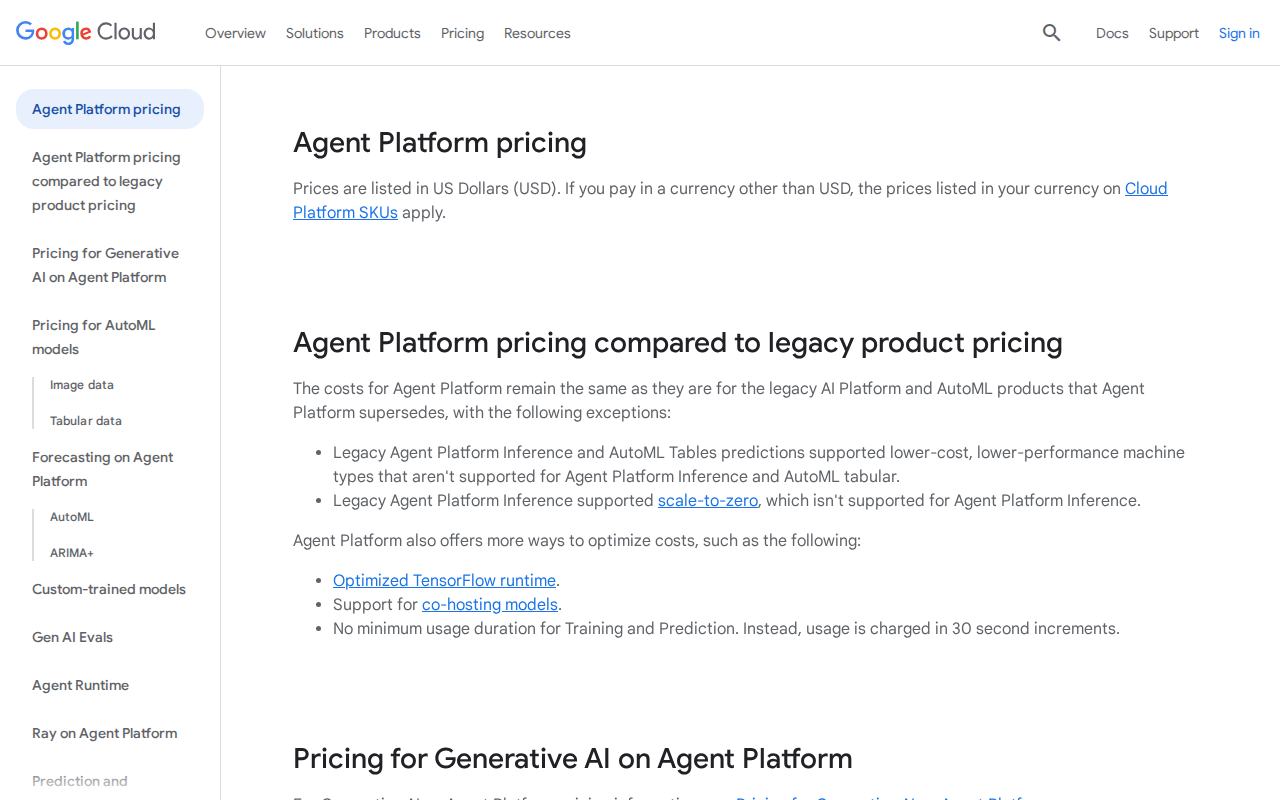
If you’re comfortable with Google Cloud, have clients who fit the target profile, and don’t mind the learning curve, it’s worth trying. The 300-credit free trial gives you enough runway to build and test a real agent.
Just don’t expect it to be as simple as the marketing videos suggest.
How long does it take to build a functional agent?
For a basic Q&A agent, expect 2-3 days of work. A complex agent with integrations and custom workflows can take 2-3 weeks. This assumes you’re already familiar with the platform.
Can I export my agent to another platform?
No, there’s no direct export function. You can document your conversation flows and rebuild elsewhere, but you’ll lose all the training data and configurations. This is intentional vendor lock-in.
What happens if Google discontinues the service?
Google has a history of killing products, which is a legitimate concern. They provide 12 months notice for enterprise services, but your agent would need to be rebuilt elsewhere. Keep documentation and conversation flows backed up.
How accurate is the natural language understanding?
Very good for English, decent for major European languages, and improving for others. I’d estimate 85-90% accuracy for well-trained agents in English. Arabic support worked better than expected but occasionally struggled with dialects.
Can I use it for voice calls?
Yes, but it requires additional setup with Google’s telephony partners. Costs are high ($0.02-0.06 per minute) and the voice quality is good but not exceptional. Consider dedicated voice AI platforms for heavy phone use.
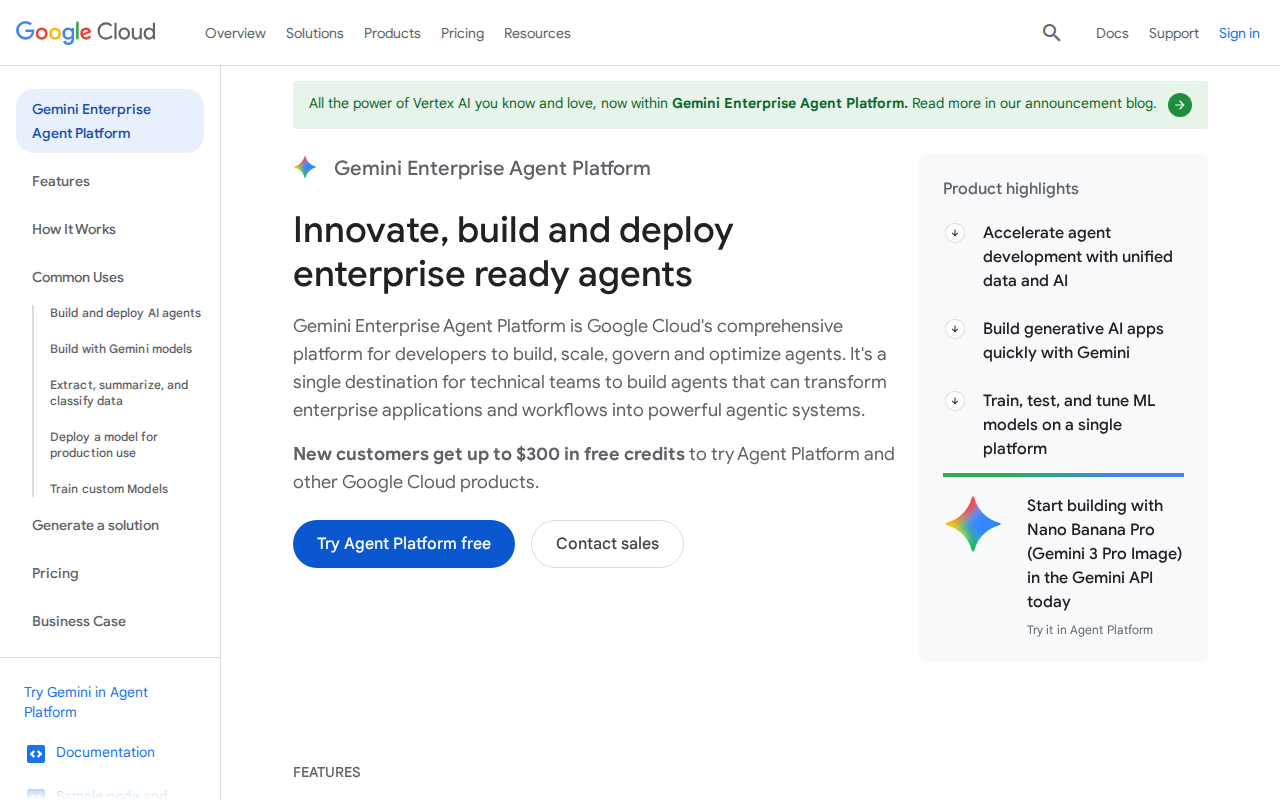
📸 Google Vertex AI — Real Screenshots (Updated April 2026)
Step 1 — Homepage
Step 2 — Pricing