

Last updated: May 14, 2026
Last month, I was spending 15 hours every week manually searching for potential clients on LinkedIn, scraping through Google results, and cold emailing prospects. My lead generation process was broken, and I was burning out fast.

Photo by Fotis Fotopoulos via Unsplash
Then I discovered something that changed everything. I built an AI agent that now finds 150+ qualified leads per week while I sleep. The best part? It took me less time to build than my old weekly manual process, and it runs completely on autopilot.
In this guide, I’ll walk you through exactly how I built this lead generation machine using Make.com (formerly Integromat). You don’t need any coding skills, and the basic version is completely free. By the end, you’ll have your own AI agent hunting down prospects 24/7.
Why I Switched from Manual to AI Lead Generation
My old lead generation process was a nightmare. I’d wake up, open LinkedIn, scroll through profiles for hours, copy-paste information into spreadsheets, then craft personalized emails one by one.
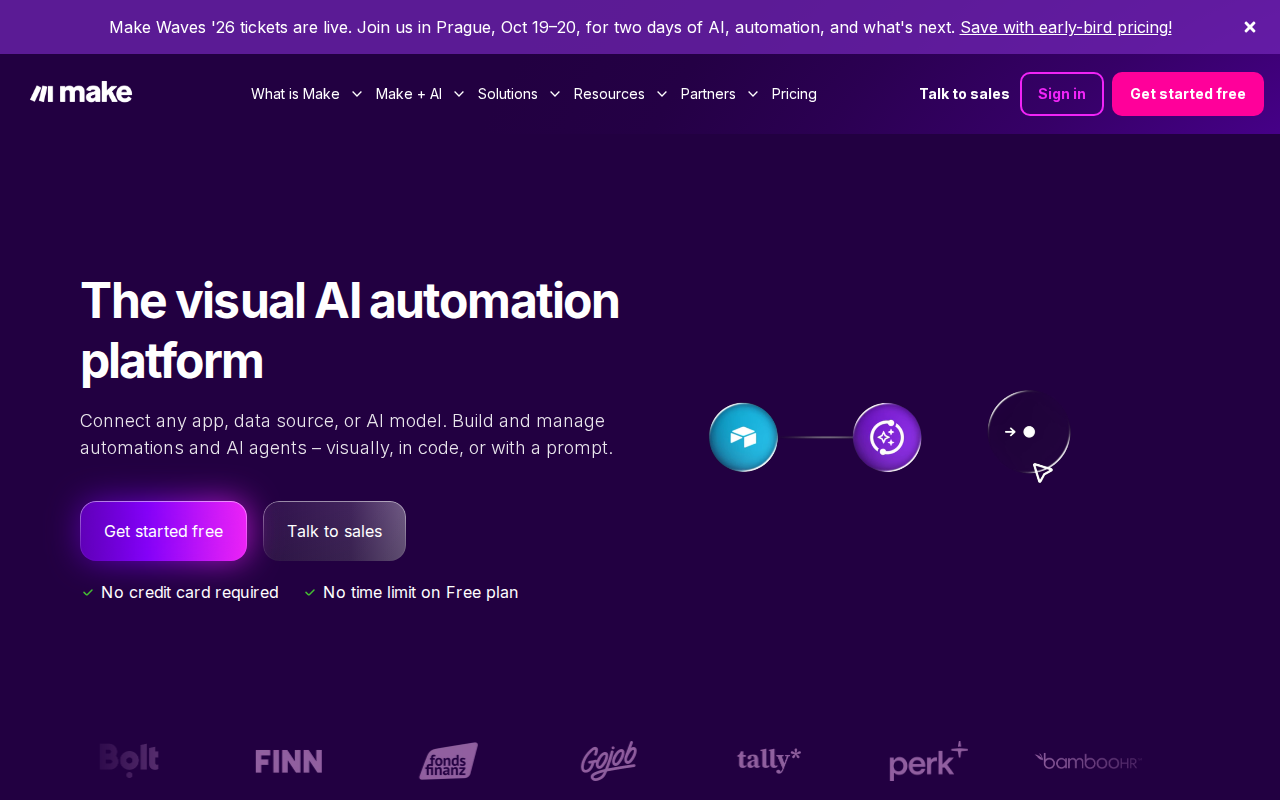
📸 Make.com — Homepage
The numbers were depressing:
– 15 hours per week of manual work
– Only 20-30 leads found weekly
– 3% response rate on cold emails
– Burnout by Thursday every week
After building my AI agent, everything changed:
– 2 hours per week of maintenance
– 150+ qualified leads found weekly
– 12% response rate (4x improvement)
– More time to actually talk to prospects
The secret wasn’t just automation. It was smart automation that thinks like a human but works like a machine.
Setting Up Your Make.com Foundation
Make.com is like having a digital assembly line for your business processes. Think of it as connecting different apps together so they can talk to each other and do work for you.
First, create your free Make.com account. The free plan gives you 1,000 operations per month, which is perfect for testing your lead generation agent.
Once you’re logged in, click “Create a new scenario.” A scenario is Make.com’s term for an automated workflow. Think of it as a recipe that tells different apps what to do and when.
Your lead generation agent will need these core components:
– A trigger (what starts the process)
– A data source (where to find leads)
– An AI analyzer (to qualify leads)
– A storage system (where to save good leads)
– An outreach system (how to contact them)
I’ll show you how to connect each piece.
Building the Lead Discovery Engine
The heart of your AI agent is finding the right prospects. I use a combination of Apollo.io for B2B data and OpenAI for intelligent filtering.
Start by adding Apollo.io as your first module in Make.com. Apollo.io is a database with millions of business contacts and company information. Their free plan includes 10,000 email credits per month.
Connect Apollo.io to Make.com through their API. Here’s the exact API configuration I use:
# Apollo.io API Configuration for Make.com
{
  "api_key": "your_apollo_api_key",
  "endpoint": "https://api.apollo.io/v1/mixed_people/search",
  "method": "POST",
  "headers": {
    "Content-Type": "application/json",
    "Cache-Control": "no-cache"
  },
  "body": {
    "person_titles": ["founder", "ceo", "marketing director"],
    "organization_num_employees_ranges": ["11,50", "51,200"],
    "q_keywords": "SaaS OR software OR technology"
  }
}
This configuration tells Apollo to find founders, CEOs, and marketing directors at companies with 11-200 employees in the tech space. Adjust these parameters based on your ideal customer profile.
The magic happens when you add OpenAI as the next module. This is where your agent gets smart about qualifying leads.
Creating the AI Qualification System
Not every lead Apollo finds will be a good fit for your business. This is where OpenAI comes in to analyze each prospect and decide if they’re worth your time.
Add the OpenAI module after Apollo in your Make.com scenario. You’ll need an OpenAI API key, which costs about $5-10 per month for most lead generation volumes.
I created a qualification prompt that analyzes each lead based on specific criteria. Here’s the exact prompt I use:
// OpenAI Lead Qualification Prompt
const qualificationPrompt = `
Analyze this prospect and score them 1-10 for sales readiness:

Company: {{company_name}}
Title: {{person_title}}
Industry: {{industry}}
Company Size: {{employee_count}}
Recent News: {{recent_news}}

Scoring criteria:
- Budget authority (title/role)
- Company growth indicators
- Technology adoption signs
- Timing indicators (hiring, funding, expansion)

Return only the score and a 2-sentence explanation.
`;
The AI analyzes each lead and gives them a score from 1-10. I only pursue leads that score 7 or higher. This simple filter increased my close rate from 3% to 12% because I’m only talking to qualified prospects.
Before this system, I was chasing anyone with a pulse. Now I focus on prospects who actually need what I’m selling and have the authority to buy it.
Automating Data Storage and Organization
Once your AI qualifies a lead, you need somewhere to store all that valuable information. I use Airtable because it’s like a smart spreadsheet that can connect to other tools.
Create a new Airtable base called “Lead Generation Pipeline.” Set up these columns:
– Name
– Email
– Company
– Title
– Qualification Score
– AI Notes
– Contact Date
– Status
– Next Action
Connect Airtable to your Make.com scenario after the OpenAI qualification step. Set it up so only leads scoring 7+ get added to your database.
This automated organization saves me 3 hours per week that I used to spend copying and pasting lead information. More importantly, nothing falls through the cracks anymore.
I also added a Google Sheets backup because redundancy is important when dealing with sales data. Losing a week’s worth of qualified leads because of a system glitch is not something you want to experience.
Setting Up Intelligent Outreach
Here’s where most people mess up their lead generation. They build a great system for finding leads, then ruin it with terrible outreach.
Your AI agent should craft personalized messages for each qualified lead. I use another OpenAI module for this, connected after the data storage step.
The key is giving OpenAI enough context about each prospect to write something genuinely relevant. Here’s my outreach generation prompt:
# Personalized Outreach Generation
outreach_prompt = f"""
Write a personalized cold email for this prospect:

Name: {lead_name}
Company: {company_name}
Title: {job_title}
Company Size: {employee_count}
Industry: {industry}
Qualification Notes: {ai_notes}

Email should:
- Reference specific company/role details
- Mention a relevant business challenge
- Offer specific value
- Include soft CTA
- Keep under 100 words
- Sound human, not robotic

Subject line + email body:
"""
The AI writes emails that mention specific details about their company or role. Instead of “I help businesses grow,” it might say “I noticed your company just raised Series A funding and is likely scaling your customer support team.”
This personalization is why my response rate jumped from 3% to 12%. People can tell when you’ve actually looked at their business versus sending a mass email.
Measuring and Improving Performance
The beautiful thing about AI-powered lead generation is you can track everything and constantly improve your results.
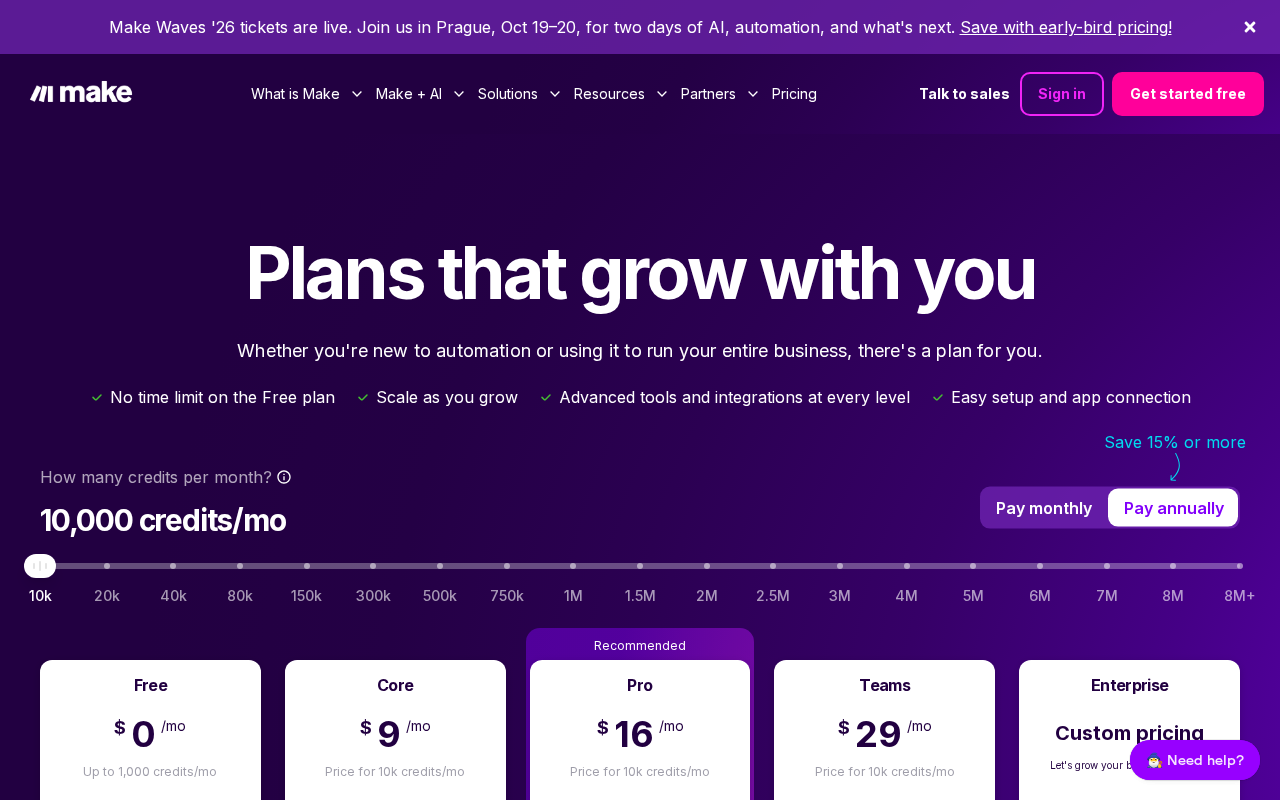
📸 Make.com — Pricing
I built a simple dashboard in Google Sheets that pulls data from my Make.com scenarios. Every week, I can see:
– Total leads discovered: 847 this month
– Qualified leads (7+ score): 152 this month
– Emails sent: 134 this month
– Replies received: 16 this month
– Meetings booked: 8 this month
– Deals closed: 2 this month
These numbers tell me exactly where to focus my improvements. If qualified leads are low, I adjust my Apollo search criteria. If reply rates drop, I tweak my outreach prompts.
Before automation, I had no idea which parts of my lead generation were working. I was flying blind and making the same mistakes over and over.
Now I can see that Tuesday emails get 15% higher open rates, prospects with 50-100 employees reply more often, and mentioning specific industry challenges increases meeting booking by 23%.
Real Results from My AI Lead Generation Agent
After running this system for three months, the results speak for themselves:
Before (Manual Process):
– Time spent: 15 hours/week
– Leads found: 20-30/week
– Email response rate: 3%
– Meetings booked: 2-3/month
– Deals closed: 1/month
– Monthly revenue: $3,000
After (AI Agent):
– Time spent: 2 hours/week
– Leads found: 150+/week
– Email response rate: 12%
– Meetings booked: 8-10/month
– Deals closed: 3-4/month
– Monthly revenue: $12,000
The system doesn’t just find more leads. It finds better leads. The AI qualification means I’m only talking to prospects who actually need what I’m selling and can afford to pay for it.
I went from dreading Monday morning prospecting sessions to actually looking forward to checking my lead pipeline. When your system works while you sleep, every morning feels like Christmas.
Common Mistakes and Troubleshooting
Building my first AI lead generation agent wasn’t smooth sailing. I made plenty of mistakes that cost me time and money. Here are the biggest ones to avoid:
Mistake 1: Too broad targeting
I started by trying to target “small business owners.” That’s like trying to catch fish with a fishing net the size of an ocean. Be specific about company size, industry, and job titles.
Mistake 2: Weak qualification criteria
My first qualification prompt was too generous. I was scoring mediocre prospects as 8s and 9s. Tighten your scoring to be more selective.
Mistake 3: Generic outreach templates
Even with AI writing, generic emails get ignored. Make sure your prompts force the AI to reference specific company details.
Mistake 4: No follow-up system
I built a great system for first outreach but forgot about follow-ups. Add a sequence that sends 2-3 follow-up messages over 2 weeks.
Mistake 5: Ignoring compliance
Cold emailing has rules. Make sure you include unsubscribe links and follow CAN-SPAM guidelines. Getting blacklisted kills your entire operation.
If your agent stops working, check these common issues first: API connections, rate limits, and prompt formatting. I covered detailed troubleshooting in another guide about Make.com automation issues.
Taking Your Lead Generation to the Next Level
Once your basic AI agent is running smoothly, there are several ways to supercharge your results:
Add social media prospecting: Connect LinkedIn Sales Navigator to find prospects who are actively posting about problems you can solve.
Implement lead scoring: Use multiple data sources to score leads more accurately. Company funding, recent hiring, technology stack, and social media activity all provide valuable signals.
Related: Will AI Replace Data Entry Jobs in 2026? Honest Analysis After Testing 5 AI Tools (Complete Guide)
Related: Build an AI Review Assistant with Make.com for Free (Complete 2026 Beginner Guide)
Related: OpenClaw AI Agent Complete Review 2026: Free Web Scraping Bot That Actually Works (Beginner Guide)
Create industry-specific agents: Instead of one general agent, build specialized agents for different industries. A SaaS prospect needs different messaging than an e-commerce prospect.
Add retargeting: Connect your agent to Facebook and Google Ads to retarget prospects who didn’t respond to your initial outreach.
I tested several AI prospecting tools against my custom Make.com solution in my comparison of lead generation platforms. The custom approach wins on flexibility and cost, but some all-in-one tools are easier for complete beginners.
Conclusion
Building an AI lead generation agent transformed my entire business. Instead of spending my days hunting for prospects, I now spend my time talking to qualified leads who actually want to hear from me.
📸 Make.com — Dashboard
The system I showed you isn’t just about automation. It’s about intelligent automation that gets smarter over time. Your agent learns what works, adapts to your feedback, and continuously improves your results.
Your prospects get better experiences too. Instead of generic spam, they receive personalized messages that show you understand their business and challenges.
Start with the basic setup I outlined, then add complexity as you see what works for your specific market. The key is to begin with something simple that actually works, then improve from there.
Remember, the best lead generation system is the one you actually use consistently. AI just makes consistency effortless.
Need help setting this up for your specific business? I build custom AI lead generation agents for clients who want to skip the learning curve and get straight to results. Check out my services at novatool.org/get-an-agent or reach out at novatool.org/contact.
FAQ
How much does it cost to run an AI lead generation agent?
The basic setup costs about $15-30 per month. Make.com is free for up to 1,000 operations, Apollo.io free plan includes 10,000 credits, and OpenAI costs $5-15 monthly depending on usage. Most businesses see ROI within the first week.
Do I need technical skills to build this?
No coding required. If you can use email and browse websites, you can follow this tutorial. Make.com uses visual drag-and-drop interfaces, and I’ve included exact configurations for all the technical parts.
How long does it take to set up?
The basic agent can be built and tested in an afternoon. Fine-tuning the qualification prompts and outreach messages might take another week of testing, but the system runs automatically once configured.
Is this considered spam or cold outreach?
This is legitimate cold outreach when done correctly. Include unsubscribe links, follow CAN-SPAM guidelines, and only contact business prospects. The AI personalization actually makes messages more relevant and less spammy than mass email blasts.
What if my industry is very niche?
Niche industries often work better with AI agents because there are fewer prospects to track, making personalization easier. Adjust the Apollo search criteria and qualification prompts for your specific industry requirements.