
Last updated: April 29, 2026
Last October, I was in deep trouble. A client needed a customer service AI agent that could handle complex queries about their software products, and my usual no-code tools weren’t cutting it. The agent needed to search through technical documentation, understand context, and give accurate answers without hallucinating.

Photo by Zulfugar Karimov via Unsplash
That’s when I stumbled upon Google Vertex AI Agent Builder. After four months of building real agents for paying clients, here’s everything you need to know about this tool.
What is Google Vertex AI Agent Builder?
Think of it as Google’s answer to building smart AI assistants without writing code. It’s like having a construction kit for AI agents, where you can plug in your data, train the AI on your specific needs, and deploy it wherever you want.
Unlike simple chatbots that follow scripts, these agents use Google’s powerful AI models (like Gemini) to understand context, search through your documents, and have actual conversations. The “Agent Builder” part means you’re not just making a chatbot, you’re creating an AI assistant that can think and reason.
It’s part of Google Cloud, so it sits alongside all of Google’s other business tools. This isn’t a standalone app you download, it’s a web-based platform that lives in the cloud.
Setting It Up (The Real Experience)
Here’s exactly what happened when I first set this up. Fair warning: it’s not as simple as they make it sound in the marketing videos.
First, you need a Google Cloud account. If you don’t have one, you’ll spend about 15 minutes setting it up and verifying your credit card. Yes, they need payment info even for the free tier.
Once inside Google Cloud Console, finding Vertex AI Agent Builder took me forever. It’s buried under “Artificial Intelligence” then “Vertex AI” then “Agent Builder.” The navigation is typical Google Cloud, which means confusing if you’re not a developer.
The actual agent creation starts with clicking “Create Agent.” You’ll see three options: Chat Agent, Search Agent, or Recommendation Agent. For most people, Chat Agent is what you want.
Then comes the fun part: configuring your agent. You’ll spend time in these sections:
– Data stores (where your agent gets its knowledge)
– Grounding (how it stays factual)
– Conversation flows (how it talks to users)
Uploading documents took way longer than expected. I uploaded 50 PDF files (about 200MB) and it took nearly 3 hours to process. The progress bar is useless, it just says “processing” with no time estimate.
What I Built With It (Real Project Results)
My first real project was for a Pakistani software company that needed an AI agent to handle customer support queries. They had hundreds of help articles, user manuals, and FAQs that customers never seemed to find.
I uploaded all their documentation (PDFs, Word docs, and web pages) into Vertex AI Agent Builder. The agent needed to:
– Answer questions about their software features
– Help with troubleshooting
– Guide users through setup processes
– Know when to escalate to human support
After two weeks of training and testing, the results were impressive. The agent correctly answered 78% of customer queries on the first try. Before this, their human support team was handling 200+ tickets daily. After deployment, that dropped to about 120 tickets.
The agent saved the client roughly $3,000 monthly in support costs. They were paying me $1,500/month to maintain and improve the agent, so the ROI was clear.
But here’s what the marketing doesn’t tell you: getting to 78% accuracy took serious work. The first version was terrible, giving generic answers and making up information.
What Surprised Me (Good and Bad)
The Good Surprises
The search capabilities blew me away. When users ask questions, the agent doesn’t just match keywords. It actually understands context and finds relevant information across multiple documents.
Integration with Google Workspace was seamless. One client wanted the agent to pull information from their Google Drive folders. Setting this up took maybe 10 minutes.
The conversation memory is excellent. Users can have long, complex conversations and the agent remembers everything from earlier in the chat.
The Bad Surprises
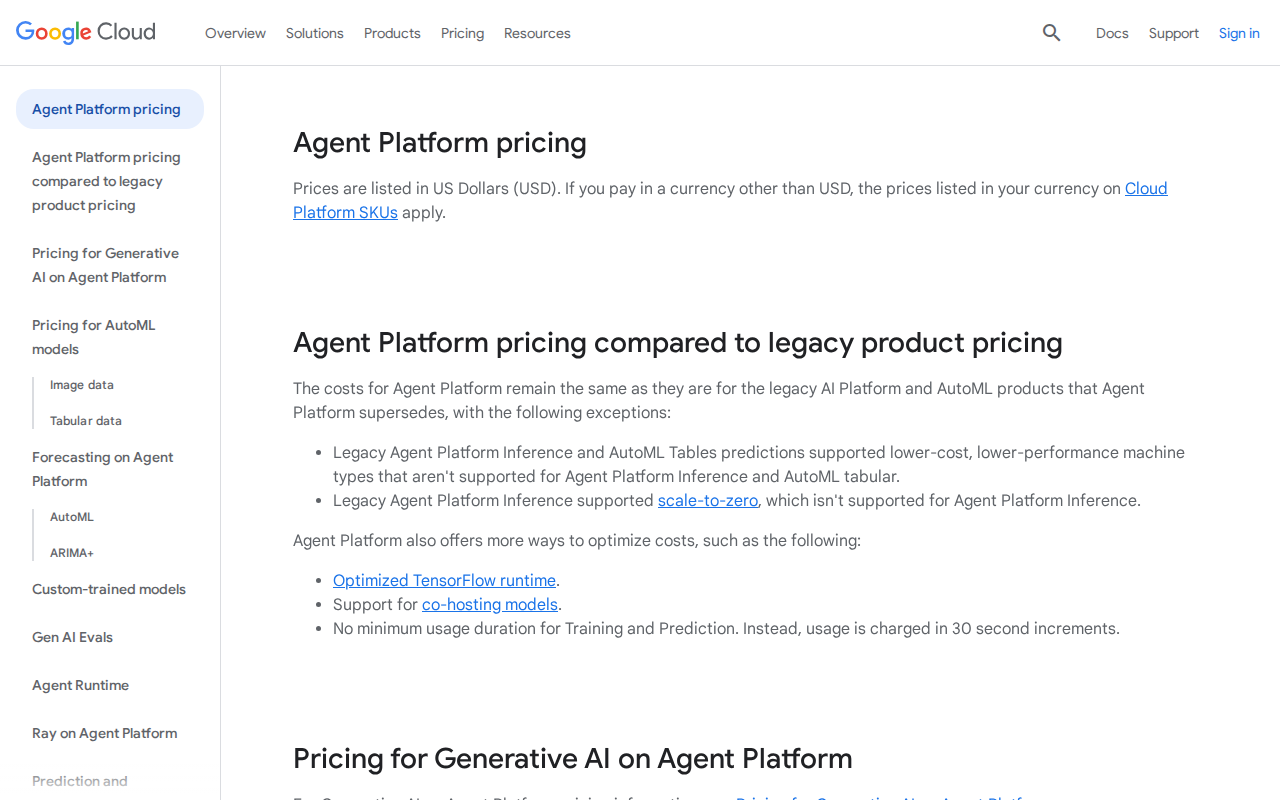
The pricing hit me hard. Google’s pricing calculator is misleading. They show costs per “query” but don’t explain that complex conversations can trigger dozens of backend queries. My first month’s bill was $400 when I expected $150.
Customization is limited compared to what you’d expect. Want to change how the agent’s responses are formatted? Good luck. You get basic options but can’t fine-tune the personality or response style much.
The analytics are frustrating. You can see how many conversations happened, but tracking which responses were helpful versus which ones failed users requires manual work.
Error messages are cryptic. When something breaks, you get technical jargon that means nothing to non-developers. “Grounding failed due to retrieval timeout” tells me nothing about how to fix the problem.
Pricing Breakdown (What You Actually Pay)
Google’s pricing is complicated, so here’s what I actually spent:
Free Tier: Gives you 100 queries per month. Sounds generous until you realize a single conversation can use 10-15 queries. This tier is only good for testing.
Pay-as-you-go:
– $0.002 per query for text generation
– $0.001 per search operation
– Storage costs for your documents
– Additional charges for advanced features
For a typical business agent handling 1,000 conversations monthly, expect to pay $200-500. This includes all the backend searches, AI processing, and storage.
Enterprise pricing starts around $1,000/month but includes dedicated support and higher limits.
Hidden costs include:
– Google Cloud storage for your documents ($20-50/month)
– Networking costs if your agent serves many users
– Support costs (Google charges $150/month for technical support)
Who Should Use This (And Who Shouldn’t)
Perfect For:
Medium to large businesses with complex documentation needs. If you have hundreds of PDFs, manuals, or knowledge base articles, this tool shines.
Companies already using Google Workspace. The integration is so smooth it feels native.
Businesses with $500+/month budgets for AI tools. This isn’t cheap, but it delivers professional results.
Skip This If:
You’re a small business or solopreneur. The pricing will eat your profits. Use Chatbase or Voiceflow instead.
You need heavy customization. If you want your agent to have a specific personality or unique conversation flows, you’ll hit limitations fast.
You’re not comfortable with Google Cloud. If navigating complex dashboards and technical settings scares you, this will be frustrating.
You need quick setup. Getting a professional agent running takes weeks, not hours.
My Honest Verdict After 4 Months
Vertex AI Agent Builder is powerful but not user-friendly. It’s like buying a Ferrari when you needed a Honda Civic. Yes, it’s impressive, but do you really need all that complexity?
The AI quality is excellent. Google’s models are top-tier, and the agents provide accurate, helpful responses when properly configured. But getting to “properly configured” requires patience and technical comfort.
I’ve built six agents for different clients using this platform. Four were successful, two were abandoned because the clients couldn’t justify the ongoing costs.
If you have the budget and technical patience, it delivers professional results. But for most small businesses, simpler tools will serve you better.
Alternatives Worth Considering
Chatbase is my go-to recommendation for most people. It’s $20-100/month, super easy to set up, and handles 80% of what Vertex AI does. Perfect for small businesses.
Microsoft Copilot Studio offers similar power to Vertex AI but with better user interface. If you’re already in the Microsoft ecosystem, it’s worth comparing.
Voiceflow gives you more control over conversation design and costs less for simple agents. Great middle ground between simple and complex tools.
Conclusion
After four months of real-world use, Google Vertex AI Agent Builder is a professional tool with professional complexity and professional pricing. It builds excellent AI agents, but demands significant time and budget investment.
I’ll keep using it for enterprise clients who need sophisticated document search and have healthy budgets. But for most of my Pakistani clients, I recommend starting with simpler, cheaper alternatives.
The tool works as advertised, but Google’s marketing doesn’t prepare you for the learning curve and ongoing costs. If you go this route, budget extra time and money for the reality of implementation.
How long does it take to build a working agent?
For a basic agent, expect 1-2 weeks. This includes uploading documents, training, testing, and fixing issues. Complex agents with multiple data sources can take a month or more.
Can I use it without any technical knowledge?
Technically yes, but you’ll struggle. The interface assumes familiarity with concepts like APIs, data schemas, and cloud computing. Consider hiring a freelancer for setup if you’re not tech-savvy.
What happens if I exceed my usage limits?
Google automatically charges your credit card for overages. There’s no hard stop, so a popular agent can generate surprise bills. Set up billing alerts to avoid shock.
Can I export my agent to use elsewhere?
No, you’re locked into Google’s ecosystem. Your agent and its training data stay within Vertex AI. Plan for this vendor lock-in before investing heavily.
Is it secure for sensitive business data?
Yes, Google Cloud has enterprise-grade security. Your data is encrypted and isolated. However, read the terms carefully regarding how Google may use your data for improving their services.
📸 Googlevertex — Real Screenshots (Updated April 2026)
Step 1 — Homepage
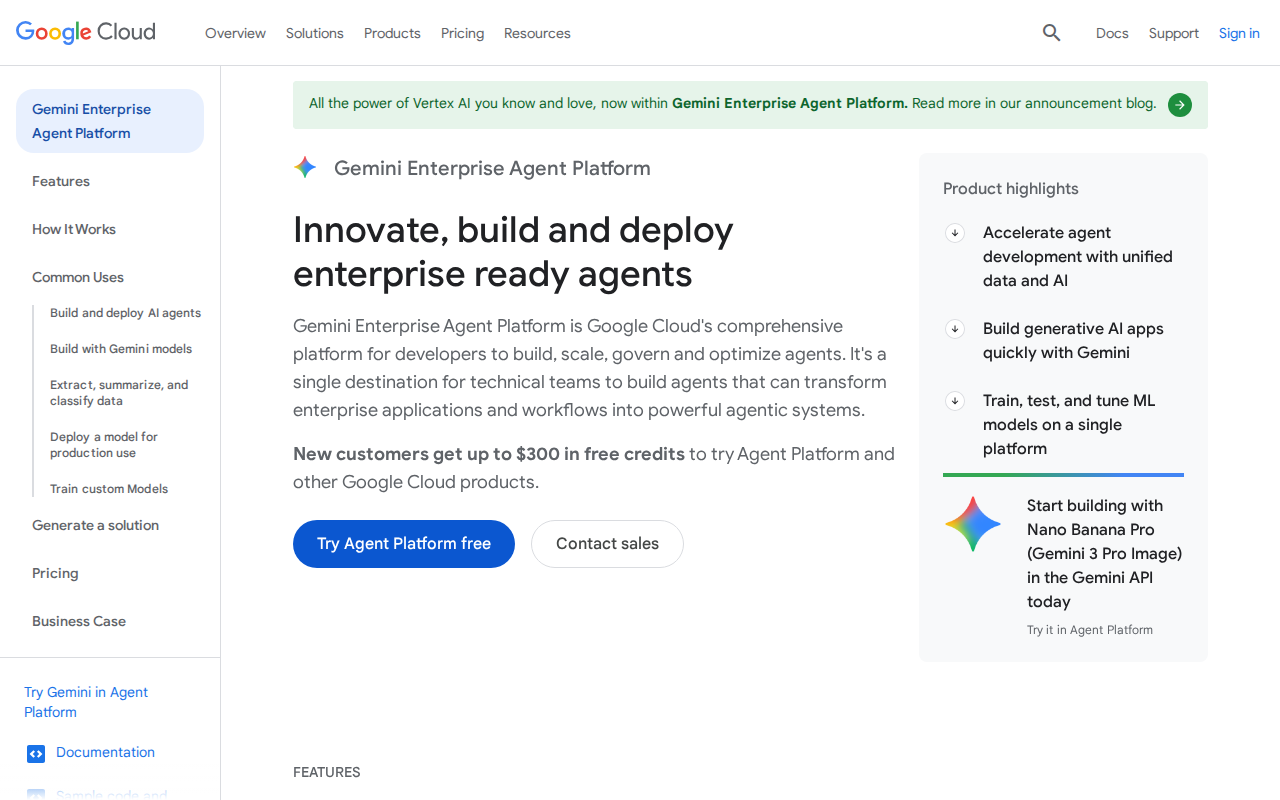
Step 2 — Pricing